Practical notes on AI for business
Articles
Each illustrated article explains one thing and is easy to share. The first half is free; students read everything. Articles are written in Chinese.
AI 工具Preview free
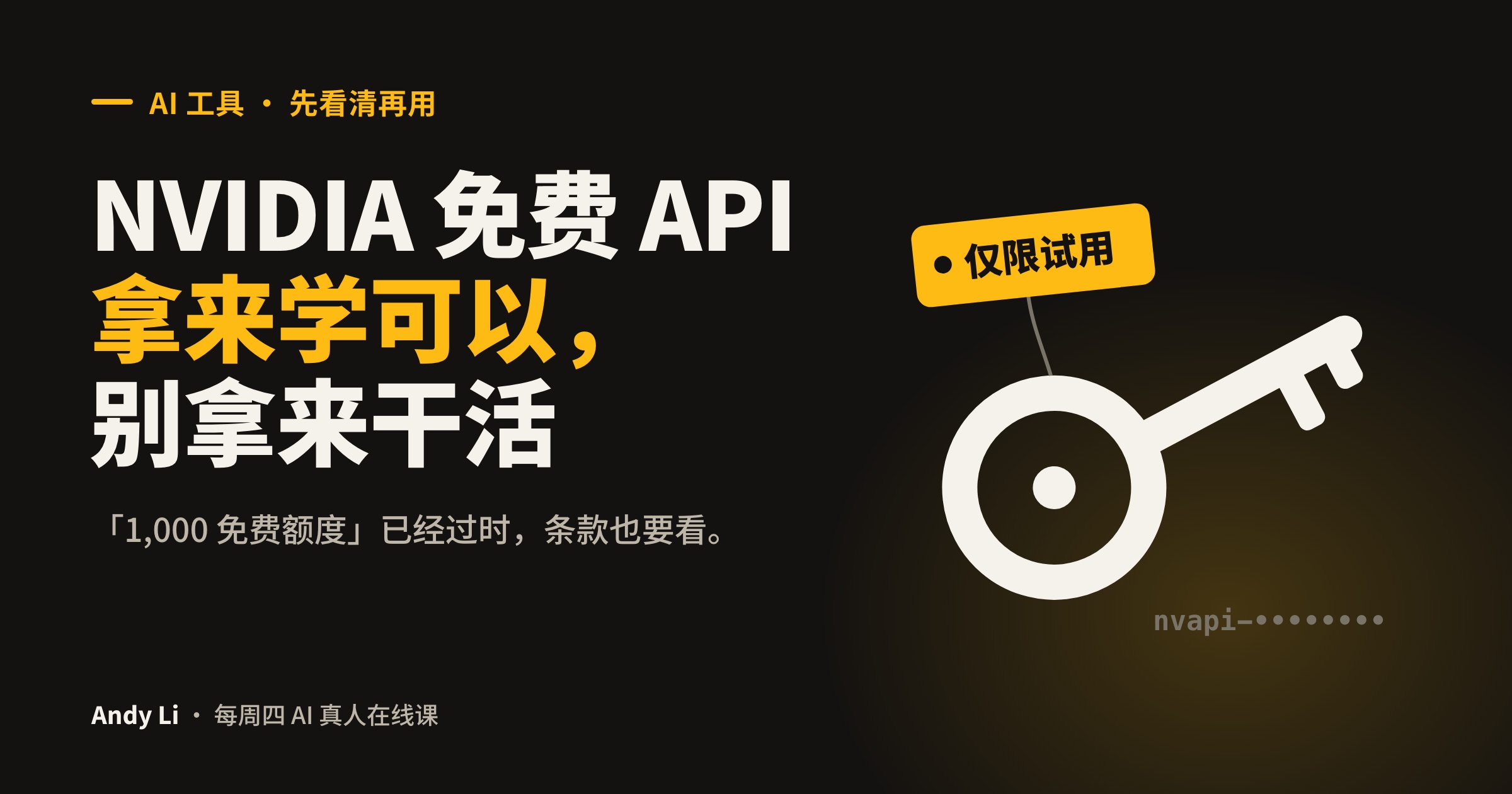
NVIDIA 免费 API:拿来学可以,别拿来干活
网上流传的「1,000 免费额度」已经过时。讲清楚现在怎么拿 Key、限制在哪、什么能做、什么不能做。
Oct 18, 2026 · 4 min · 46 reads