Your teacher
Andy Li
I teach what I use every day.
- 12 yearsin commercial brand design
- 350+brands served since 2017
- Thursdayslive online teaching
Why I teach this
It does the work, you sign off.
It writes, you check, you send.
After 12 years in brand design I founded the studio Day of Design, which has served more than 350 brands since 2017. In my company, AI already takes part in real work: pulling points from recordings, drafting replies, preparing weekly content — and I review, decide and send.
Many people know about AI but aren’t sure how to brief it or check its work. In the live class, I walk you through it step by step.
Twelve years in brand design taught me that trust cannot be outsourced. We make it clear what AI can handle and what you must decide yourself.
My design studio
PortfolioDay of Design
Founded in Toronto in 2017 and led hands-on by my partner Aiven Yan and me: identity, packaging, editorial, signage and websites. Nine years, 350+ brands. The AI methods I teach are the ones this studio uses every day.
- Aegis Financial GroupFinancial services · 2026
- Toronto Elite SchoolInternational education · 2024–2026
- 95 DevelopmentsReal estate / Commercial space · 2026
- Zun Yue Residence · 尊悦府Senior living / Residential · 2026
- Summer Jasper InteriorsInterior design & millwork · 2022–2024
- 磨沟沿 MOGOUYANRestaurant identity & menus · 2020–2022
- Hi.TEA 茶室Tea brand · 2021–2023
- Purrfect Pet CafeCat cafe · 2025
See how I teach

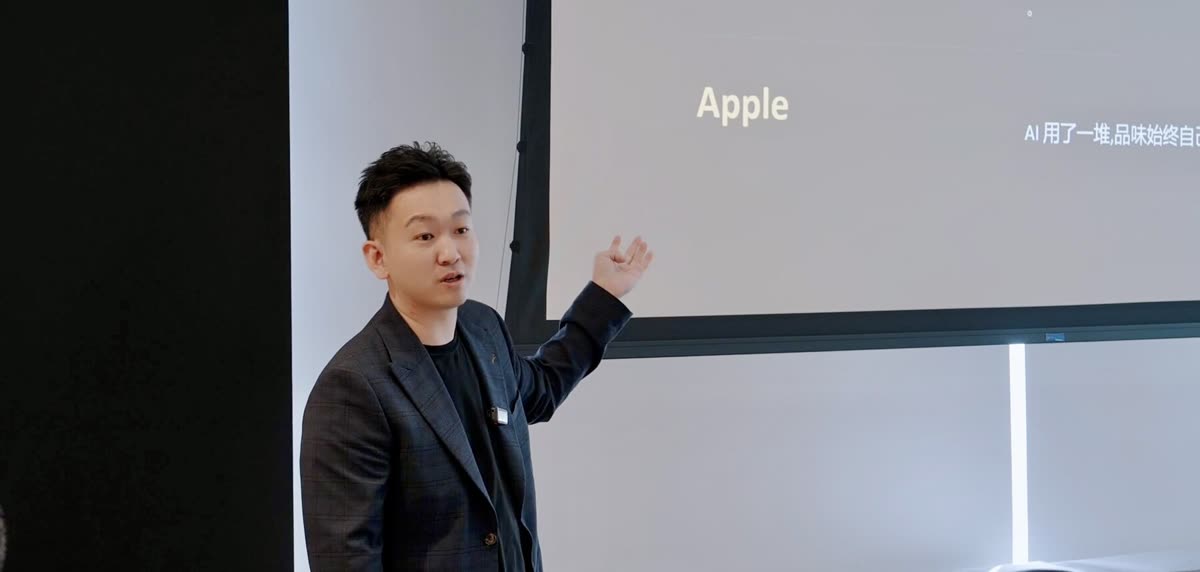
An earlier public talk. The courses open now are the weekly live online class and private online lessons.
Learn with me
Every Thursday evening I bring methods from my own work into the live class: how to brief AI, how to check its output, and when the decision is yours.

Scan to add me on WeChat: ask about the course, enrol, or join the student group
Add the note “AI course” and I'll approve faster.
Who runs this
Andy Li × 58 AI训练营
Two organisations run this course. Day of Design is my brand design studio (founded 2017, 350+ brands); 58 AI Bootcamp is an AI education platform under Fangdongwang in Toronto, focused on AI training and business adoption. One knows brands and business, the other knows AI education.
58 AI Bootcamp website